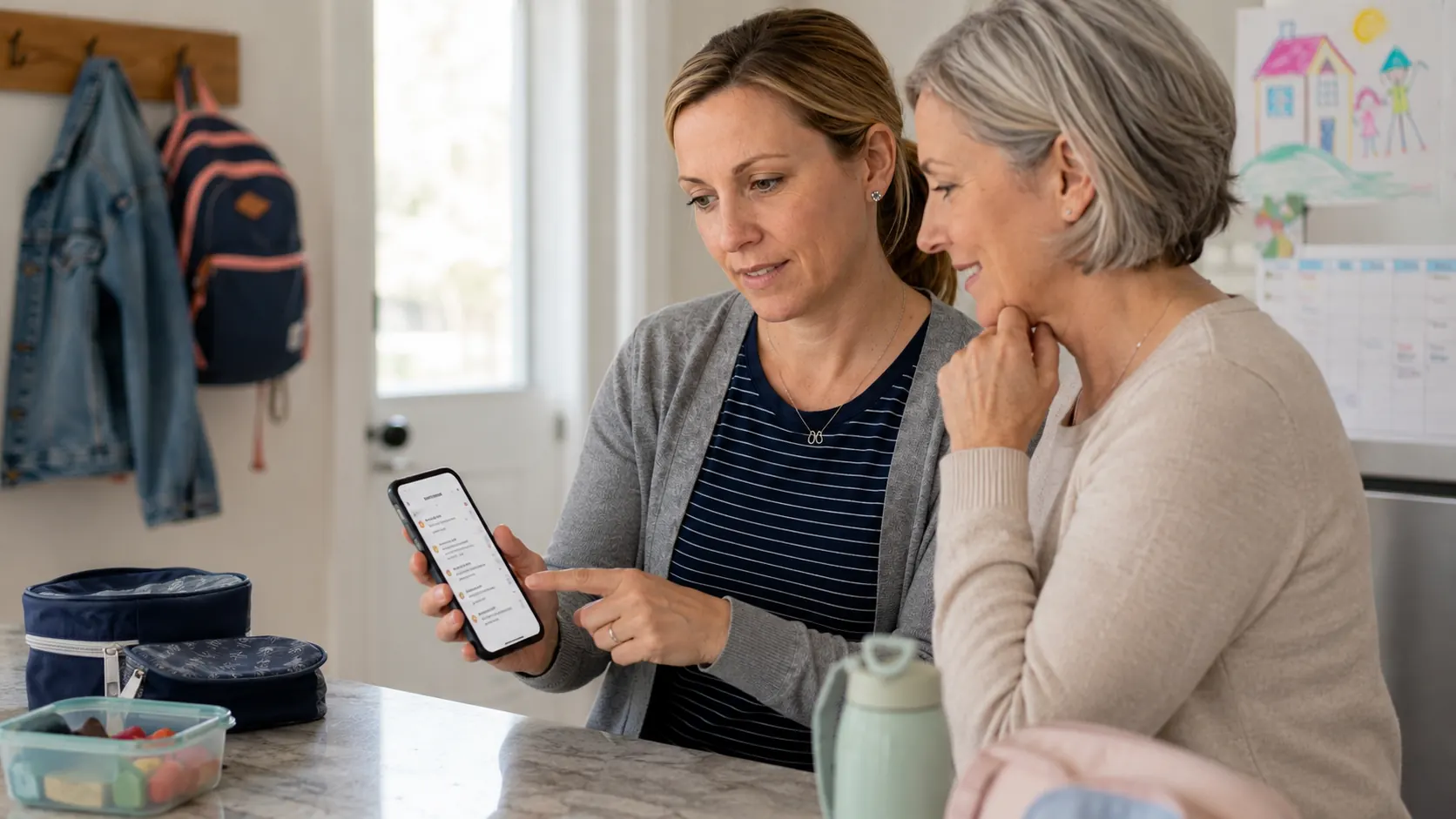
You've got a nanny who does Thursday and Friday pickups. A grandparent who fills in when you travel. A babysitter who covers school closures. Each of them needs to know the schedule — but none of them want to download another app, create an account, or figure out yet another login.
And honestly? You don't want to give them that level of access either. Your family calendar has your work meetings, your personal appointments, your financial reminders. A caregiver needs to know that soccer ends at 5:30 on Tuesday. They don't need to know about your dentist appointment.
This is the caregiver communication gap — and it's one of the most common friction points in modern family coordination.
The Caregiver Communication Gap
Every family with regular caregivers runs some version of the same system: a text thread for updates, a whiteboard in the kitchen, a shared note that never quite stays current. These informal systems work until something falls through the cracks — the early dismissal day nobody mentioned, the practice that moved to a different field, the permission slip the nanny was supposed to remind you about.
The problem isn't the caregiver. The problem is that there's no clean, automatic way to get them the right information without either sharing too much or creating too much manual overhead for the parents.
Your nanny doesn't need access to your family calendar management system. She needs to know: what time does school let out this Friday, does Aiden have soccer, and is there anything unusual this week? That's a much smaller and more specific set of information — and it should be easy to share automatically.
The Problem with Sharing Your Calendar
The instinct many parents have is to share their Google Calendar or Apple Calendar with the caregiver. It's already set up. It already has the school events. Why not just add them as a viewer?
The problem is scope. A Google Calendar share gives the caregiver visibility into everything on that calendar: your work blocks, your partner's medical appointments, your financial meeting, your personal reminders. Calendars aren't built with selective sharing in mind — it's all or nothing.
The workaround most parents try is creating a separate "family" calendar that only has kid-related events, then sharing just that one. This works, but it creates a manual maintenance burden: every school event and activity has to be manually added to the shared calendar, which means you're back to doing the exact work you were trying to avoid.
What Caregivers Actually Need to Know
When you think about what a caregiver actually needs to stay informed, the list is surprisingly narrow:
- Which days school is closed, early dismissal, or has a delayed start
- What activities are happening this week and when they end
- Which days the caregiver is responsible for pickup and at what time
- Any unusual events that affect the schedule (picture day, field trip, school play)
That's it. They don't need permission slip alerts (that's a parent action item). They don't need your work calendar. They don't need three months of upcoming events. They need this week and maybe next week, focused entirely on what affects the children in their care.
This is exactly what Skoolit's Caregiver relay is built to deliver.
How Skoolit's Caregiver Relay Works
Skoolit's Caregiver relay works with a magic link — a unique, secure URL that you send to your caregiver by email. Here's the full flow:
You send an invite
From Settings → Caregiver access, enter your caregiver's email address. Skoolit sends them a clean email with a link and a brief explanation of what they'll see.
They open the link in their browser
No app download. No account creation. No password to remember. The link opens a clean, mobile-friendly view of upcoming school and activity events.
They see exactly what they need
The view shows upcoming events for the children: school closure days, activity times, pickup notes, anything unusual this week. Updated automatically as Skoolit processes new school emails.
There's no synchronization to manage. No "did you see my text?" There's no manual update required when the soccer schedule changes — Skoolit updates the caregiver view automatically when it processes the new schedule from the coach's email.
Privacy Boundaries Built In
The Caregiver relay is specifically scoped to school and activity events that Skoolit has extracted from your inbox. Your caregiver sees only what Skoolit has identified as school or activity related:
What caregivers see
School events, activity schedules, school closure days, early dismissals, field trips, sports games and practices
What caregivers never see
Your personal calendar, work meetings, financial appointments, medical appointments, personal reminders, or anything outside school and activities
This boundary is structural, not just a setting you have to remember to configure. The Caregiver relay is built on Skoolit's extracted school and activity events only — there is no way for a caregiver to accidentally see your personal calendar entries, because they're not part of the data source.
Revoking Access Instantly
If the caregiver relationship ends — the nanny moves on, the babysitter is no longer available — revoking their access is immediate. Go to Settings → Caregiver access → Revoke. The magic link stops working the moment you revoke it. There's no account to delete, no password to change, no lingering access to worry about.
If you hire a new caregiver, you send a new invite and generate a new link. The previous link remains permanently invalid. Each caregiver relationship gets its own link, and each link can be revoked independently if you have multiple caregivers — for example, a nanny who handles weekdays and a grandparent who covers weekends.
Setting It Up in 60 Seconds
The full setup takes about a minute:
- Open Skoolit → Settings → Caregiver access
- Click "Send caregiver invite"
- Enter your caregiver's email address
- Click Send — done
Your caregiver receives an email within seconds. The link they receive is permanent (until you revoke it) and always shows the current week's school and activity schedule. They can bookmark it or save it to their phone's home screen for one-tap access.
If you're also coordinating with a co-parent, see our guide on how co-parent access works alongside caregiver relay — both can be active at the same time, each with appropriate access levels.
A caregiver doesn't need your app. They need a link. Skoolit sends one — and keeps it automatically updated every time a new school or activity email arrives in your inbox.
Set up caregiver access in 60 seconds.
Join Skoolit early access. Your caregiver gets their link the same day.