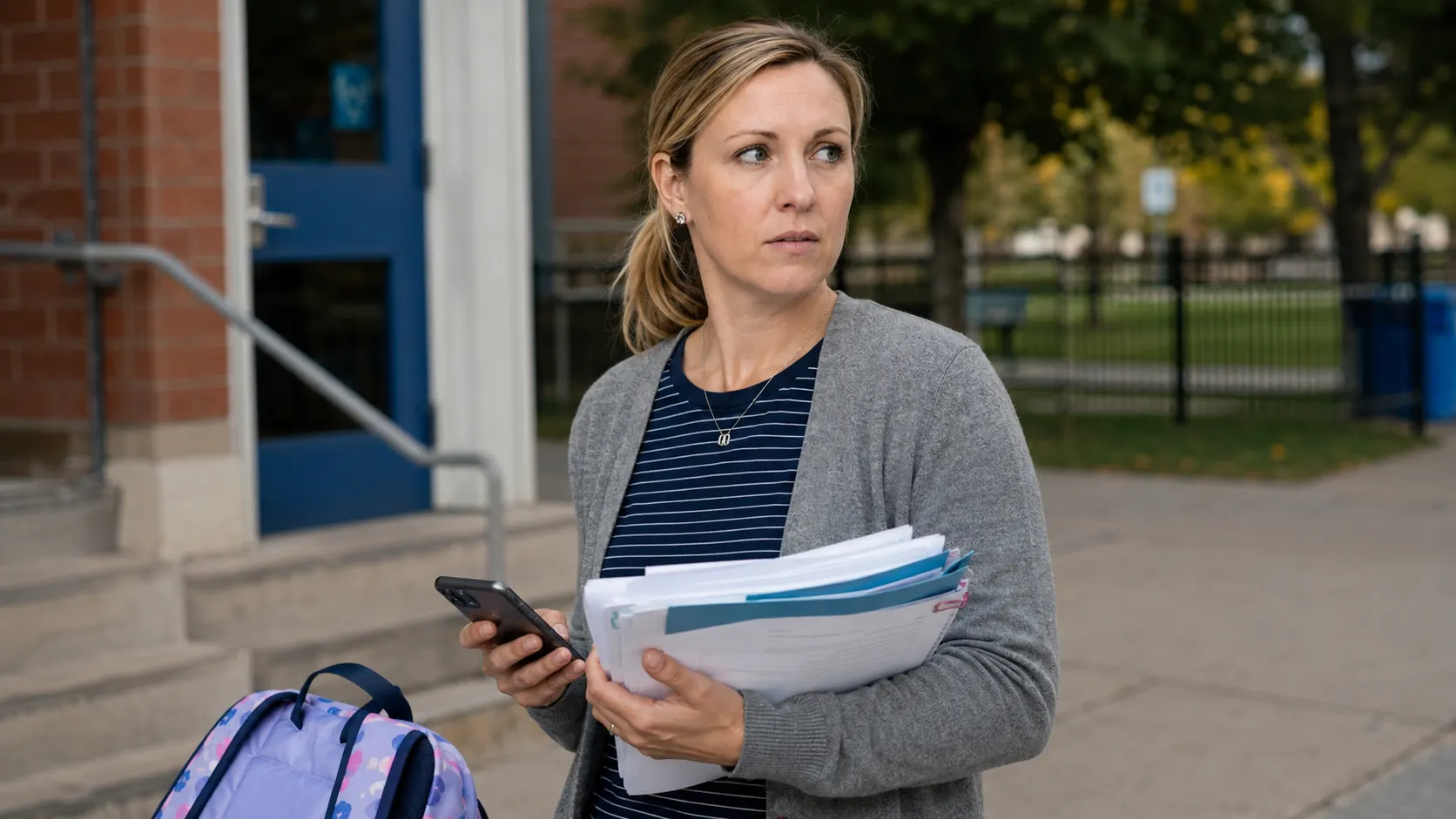
The Permission Slip Problem No One Talks About
Here's how it usually goes: a permission slip arrives in your inbox buried as the fifth item in a school newsletter that also covers the PTA bake sale, the new reading curriculum, and a note about the parking lot. You scan the first two paragraphs, mentally flag it to come back to, and close the email. Three days later, your child comes home disappointed because their class went to the science museum without them.
Or this version: the permission slip doesn't come from the school at all — it comes from the PTA's separate email account, or from your child's teacher's personal Gmail address, or from a third-party trip-organizing service you've never heard of. Your filters didn't catch it. Your inbox sorted it to a tab you don't check. It sat unread for a week with a 72-hour deadline you never saw.
Three days is the average notice window for school permission slips. That's not a lot of runway when school emails are competing with work emails, newsletters, and the general chaos of a parent's inbox.
Why Your Current System Fails
Most parents have some version of a system for managing school emails. Gmail filters, folder rules, a star-flagging habit, or in some cases a dedicated "school" email address they check periodically. These systems share one critical weakness: they all require you to do something.
Filters require you to maintain the right sender list — which breaks every time a teacher changes their email, the PTA rotates its leadership, or a new activity provider joins the mix. Starring emails requires you to notice the important ones before they get buried under the 40 messages that arrive after them. Forwarding to a dedicated inbox requires you to remember to forward the right emails, which means the task is only as reliable as your least distracted moment.
The system works great when everything is calm. It falls apart when you're in a meeting, on a work call, or managing three other crises. And the emails that arrive during those moments — the time-sensitive ones, the short-deadline permission slips — are exactly the ones you most need to catch.
This is the core problem: any system that depends on you remembering to act will fail at the worst possible time.
What Skoolit Does Differently
Skoolit takes a fundamentally different approach. Instead of waiting for you to act on school emails, Skoolit connects directly to your Gmail, iCloud Mail, or Outlook inbox via OAuth and monitors it automatically. You don't forward anything. You don't maintain filter rules. You don't check a separate inbox.
Here's what that looks like in practice. It's 9am on a Tuesday. Three emails arrive in your inbox: an Amazon shipping update, a work Slack digest, and an email from your son's teacher about an upcoming field trip with a permission slip attached. Skoolit checks all three. The Amazon email and the Slack digest are identified as non-school in under a second — they're ignored completely. They're never stored, never logged, never seen again by Skoolit. The teacher's email is recognized as school-related: Skoolit reads it in full, identifies it as a Field Trip + Permission Slip Due event, extracts the deadline (Friday at noon), creates a calendar entry, and sends you an immediate push notification. You never opened your email. You didn't miss a thing.
When a permission slip email arrives — whether it comes from your school's main address, a teacher's personal Gmail, or the PTA's organizational account — Skoolit reads the email and categorizes it as a "Permission Slip Due" event. It extracts the deadline date, creates a calendar entry, and flags it for immediate attention.
Because Skoolit uses content analysis alongside sender signals (not just sender address alone), it catches permission slips from:
- School main office addresses you know
- Individual teacher Gmail accounts you've never seen before
- PTA boards that change email addresses year over year
- Third-party field trip or activity organizers
- Sports coaches, music instructors, and club advisors
The Urgency Score: Why Permission Slips Get Flagged
Not all school emails need your immediate attention. A newsletter about next month's curriculum doesn't require the same response as a permission slip due in 72 hours. Skoolit understands this distinction through AI urgency scoring — every extracted event receives a score from 1 to 5 based on time-sensitivity, required action, and deadline proximity.
Permission slips consistently score 4 or 5 on this scale because they require a specific action (returning a form, confirming online, paying a fee) within a short window. A score of 4 or 5 triggers an immediate push notification — not a daily digest that arrives the next morning, but a notification the same moment Skoolit processes the email.
This means when a field trip permission slip arrives at 11pm on a Tuesday, you find out about it Tuesday night. You have the full remaining deadline window to act, not the shortened window that starts when you happen to check your email.
By contrast, a school newsletter announcing the spring concert would score a 1 or 2 — informational, no deadline, no action required — and would appear in your regular digest without triggering a push notification.
Permission slips are time-sensitive. Skoolit flags them as Urgent — score 4 or 5 on a 1–5 scale — and sends an immediate push notification, not a daily digest.
Setting Up in 3 Minutes
Getting Skoolit connected to your inbox is a one-time process that takes under three minutes for most parents:
- Connect Gmail, iCloud Mail, or Outlook: Standard OAuth authorization — the same kind of permission screen you see when you connect any trusted app to your Google or Microsoft account. Skoolit requests read-only access.
- Add your children: Tell Skoolit which children's school communications to watch for. This helps the AI contextualize events and assign them to the right child's calendar.
- Skoolit learns your school senders within the first day: After connecting, Skoolit reads the last 30 days of your inbox to identify your school senders and build an initial calendar. The same privacy rule applies to this scan: for non-school emails in your history, only the sender and subject line are checked — bodies are never read. From that point forward, new emails are processed in real time as they arrive.
Once set up, you don't need to do anything differently. The next permission slip that arrives — from any sender, about any trip — will be caught, categorized, and flagged before the deadline has a chance to sneak up on you.
You can also read more about how to prepare your family's school communication system for the new year, or see how Skoolit compares to the best family calendar apps for 2026.
Never miss another permission slip.
Join the early access list. Launching September 15, 2026.
You're on the list — we'll be in touch soon.